
坐席免拨号,
系统派单
An agent clicks Start Taking Calls and the system assigns leads from the queue to idle agents, dialing only once the agent is ready, so customers hear a real person when they pick up. One lead per agent at a time; the next is dispatched once the result is marked.
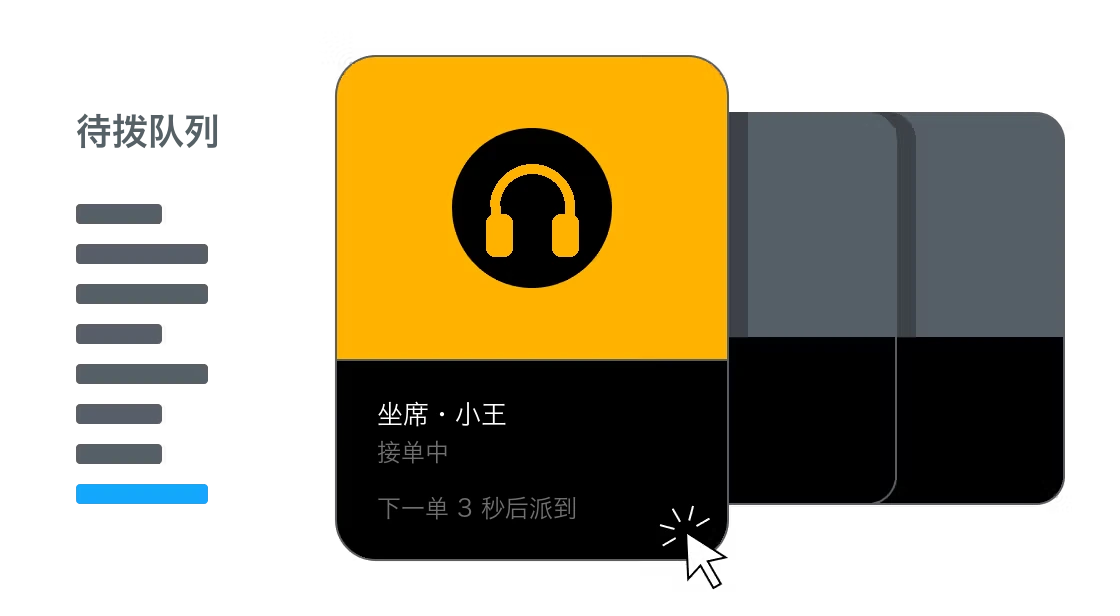
Dispatch, calling and management in one system
For human outbound teams: the system dispatches calls, agents never dial, and every call is recorded with an AI summary. It can also pair with AI calling, with AI screening and agents following up.
- Bulk screening
- Judge intent
- Take over when agents are at capacity
- Accept calls
- System assigns and dials
- Talk and tag the result
- Next call assigned automatically
- Auto-dispatchQueue-based dispatch; calls start only when an agent is ready
- Agent workspace and mobile appAccept, call and tag results on one page
- AI Outbound Calling →AI screens first, or takes over when agents are at capacity
- Data analytics →Agent status board, call results and recording review
Finding numbers, dialing and invalid numbers handled by the system
Every call's recording, transcript and AI summary is kept
Scheduled callbacks dispatched back when due
No searching for numbers
Imported lists go into a dial queue and the system dispatches numbers in order. Agents don't search spreadsheets and can't cherry-pick numbers.
No dialing, no waiting for rings
An agent clicks Start Taking Calls and the system dials once the agent is ready; customers hear a real person when they pick up.
Dead numbers and no-answers don't tie up agents
Invalid numbers, powered-off phones and no-answers are handled by the system and redialed at other times by rule, without taking agents' time.
Mark the result, get the next lead
Mark interested, callback or declined and the next lead is dispatched automatically; scheduled callbacks are re-dispatched when due.
The key questions of team management
Cherry-picked numbers, untraceable calls, unclear work status, forgotten callbacks: auto-dispatch addresses each one.
Every call recorded and traceable
Leads are dispatched from the queue one at a time, nothing skipped or cherry-picked. Every call is recorded and transcribed line by line, AI writes the summary and intent, and supervisors can replay anytime.
Agent status and callback plans, visible live
The online agent board shows on-call, idle and paused status live. When a customer says "call me next month", mark a callback time and the lead is re-dispatched when due.
The same 8 hours, spent on real conversations
Seat
Take leads, call and mark results on one page.
- Click Start Taking Calls to get leads
- Lead details shown during the call
- Tag results in one click
- Take calls in the mobile app
Supervisors
Full visibility into assignments, agent status and call quality.
- Live seat board
- Assign list batches by department
- Recordings, transcripts, AI summaries
- Up to 12 result tags per project
- Calls and results exported together
AI + Agents
AI and agents can work in the same project, each doing what they do best.
When agents are at capacity, AI takes over and hands interested customers back to people.
What one agent does in a day
Finding numbers, dialing, waiting for rings and handling dead numbers are all done by the system, so agents spend their time on real conversations. The dispatch method stays the same across use cases.
- Only live people get through; invalid and powered-off numbers are filtered out
- Follow-up content and satisfaction recorded as result tags
- Scheduled follow-ups re-dispatched when due
- Follow-up recordings available for supervisor spot checks anytime
How a 20-person telesales team does it
“We used to split lists in a morning meeting. Now we import them, the system dispatches to whoever is free, and supervisors see what everyone is doing on the board.”
A trading company with 20 agents calling in groups.
Team and dispatching
20 agents grouped by department, one project per group. Dispatching starts as soon as the list is imported.
Results and review
Mark the result in one click after a call; supervisors filter by result and duration and replay recordings.
Learn more
The product capabilities behind this solution, how to configure them, and more industry use cases.
Each solution combines several product capabilities. Explore what each one does and how well it works.