
批量名单,
AI 完成首轮筛选
Once a list is imported, the digital employee calls automatically during your working hours. Intent is output 3 seconds after each call, interested customers are added on WeChat and pushed to the sales group, and sales only follows up with customers who have a clear need.
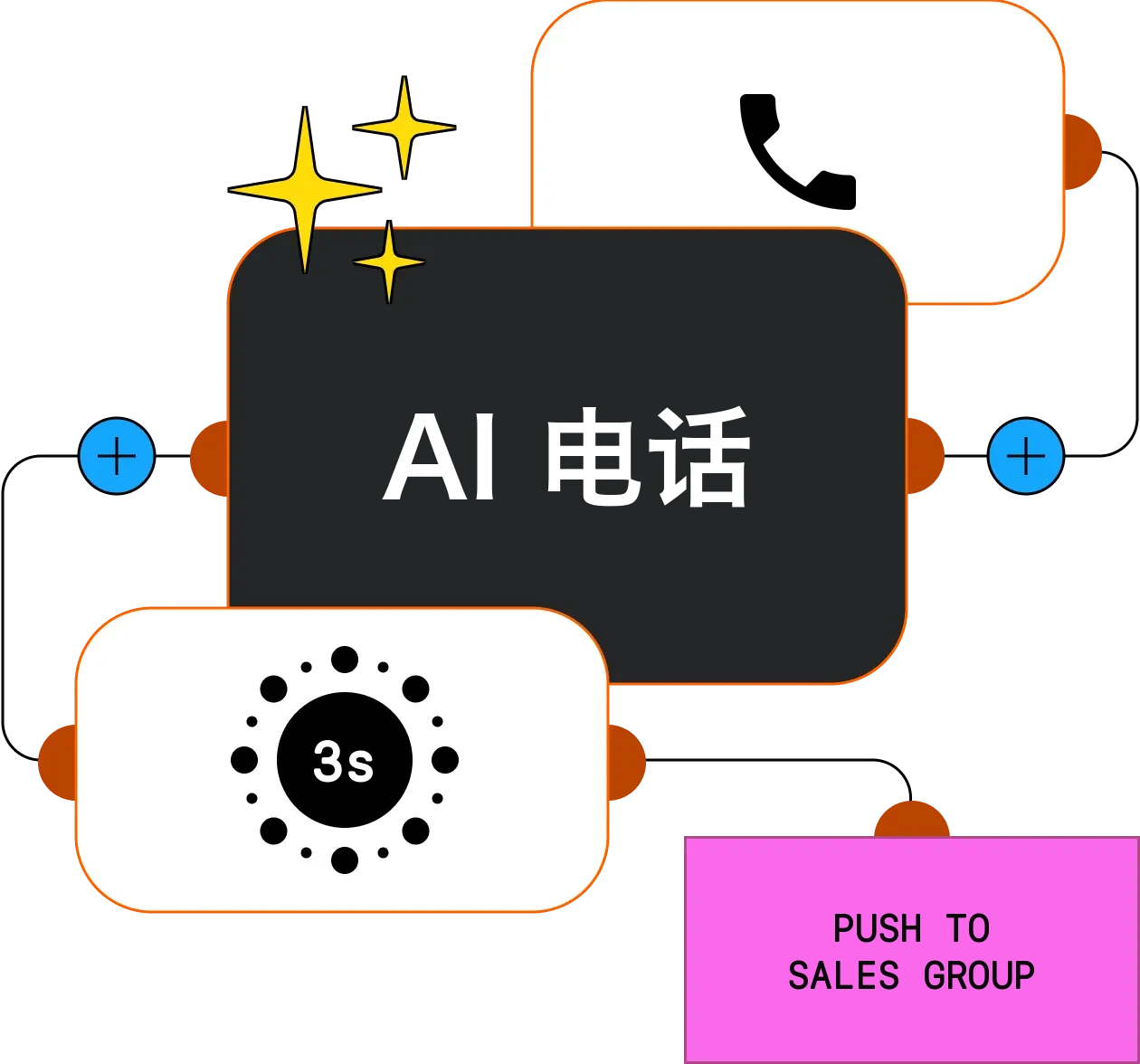
From lead list to intent, AI handles first contact
For sales teams that prospect by phone: digital employees run first-round screening at scale, qualified leads are added on WeChat and pushed to sales, and sales time goes to real opportunities.
- Full lead list
Imported from files, pushed via API or gathered by lead sniffing; AI dials in bulk during set hours
- Connected customers
Unanswered calls are retried at the set interval and count
- Engaged customers
AI introduces the product, answers common questions and records needs
- Interested customers
Intent judged 3 seconds after the call; WeChat added once the customer agrees
- Sales follow-up
Pushed to the sales group with the owner @-mentioned; sales focus on closing
- AI Outbound Calling →Batch calls within working hours and concurrency, auto-redialing unanswered calls
- Lead Discovery →Continuously collects new leads by keyword and region
- WeChat private traffic →Qualified leads added on WeChat automatically for ongoing conversation
- Voice Cloning →Calls in the salesperson's own voice
- Data analytics →Conversion funnel and call quality scores
No manual dialing for sales; unanswered calls redial automatically
Pushed to the sales group with the owner @-mentioned when the call ends
Friend request sent automatically once the customer agrees
Sales time, spent on closing
Manual dialing means one or two hundred calls a day, most of them unanswered, invalid or rejected, and interested customers often slip through scattered notes. AI calls in batches during working hours and redials unanswered numbers automatically. Interested customers reach the sales group within 3 seconds with the owner @-mentioned, and every call has a recording and summary.
From list to intent, end to end
Everything prospecting needs
Results synced to your business systems
Every stage of the funnel, visible
Benchmarked against your best salespeople
Controlled pacing, no harassment
High-intent customers, humans take over anytime
How a building materials wholesaler does it
"Our three reps used to spend most of the day just dialing. Now AI screens first, and everything that shows up in the group wants a quote."
Lists & calling
Lists of job sites and project owners are uploaded in bulk, and the sales-call digital employee dials during working hours with a script focused on quotes and samples. Unanswered leads are redialed at different times by rule.
- Batch list upload
- Sales outreach script
- Calls during work hours
- Auto redial when unanswered
- Cloned sales voice
Intent & follow-up
After each call, the customer's name, type, intended volume and WeChat consent are extracted. Interested customers are pushed to the sales group with the owner @-mentioned and written to Feishu Bitable, one table per day.
- Intent field extraction
- Push to sales group @ owner
- Feishu Bitable
- Auto friend requests
- Auto customer profiles
Learn more
The product capabilities behind this solution, how to configure them, and more industry use cases.
Each solution combines several product capabilities. Explore what each one does and how well it works.